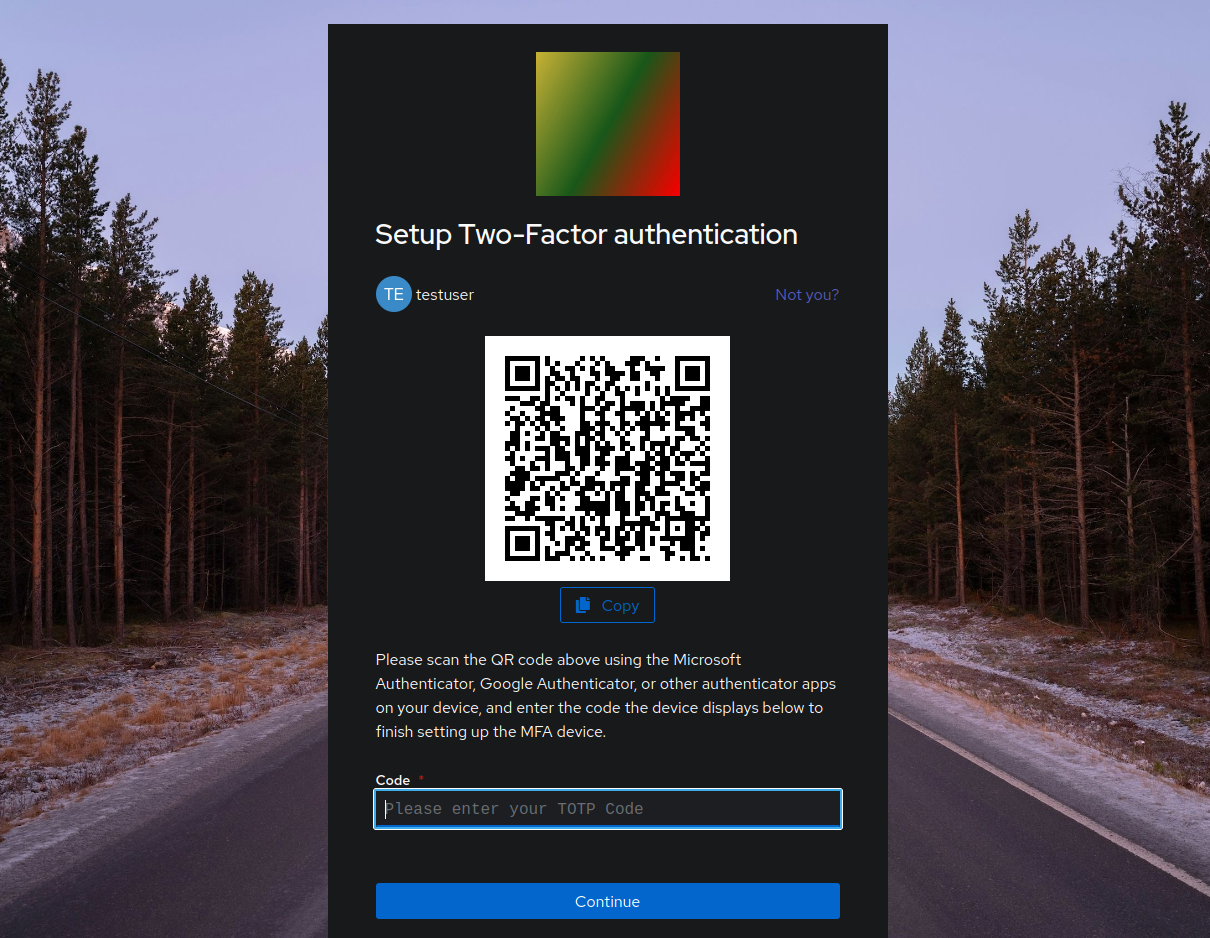
Setting up 2FA (TOTP)
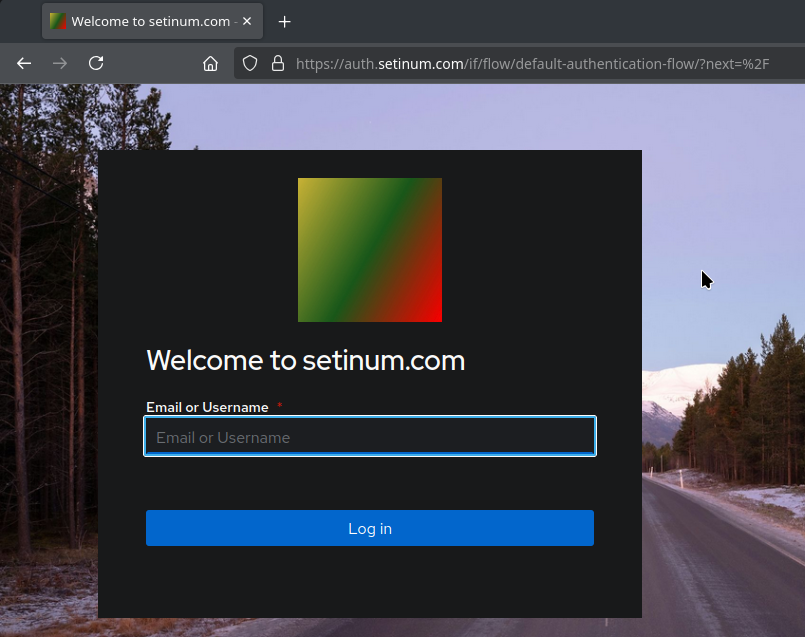
- Login via https://auth.setinum.com.
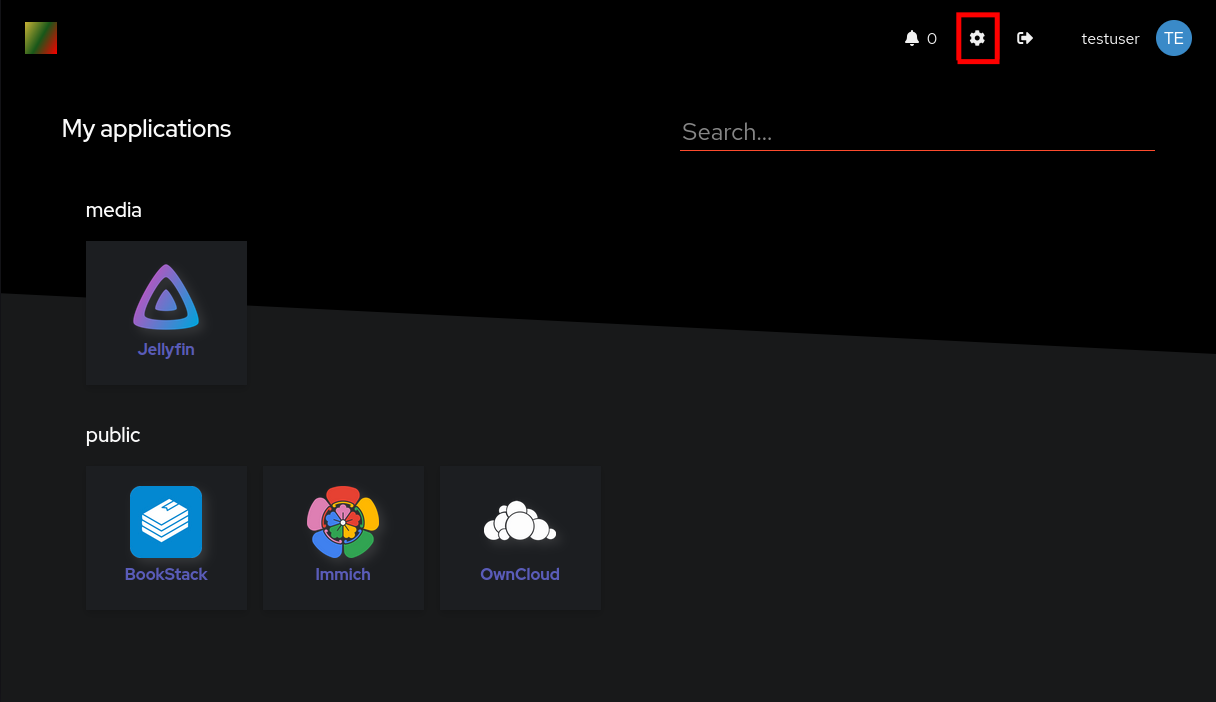
- Enter the settings by selecting the gear icon at the top right.
- Select MFA Devices.
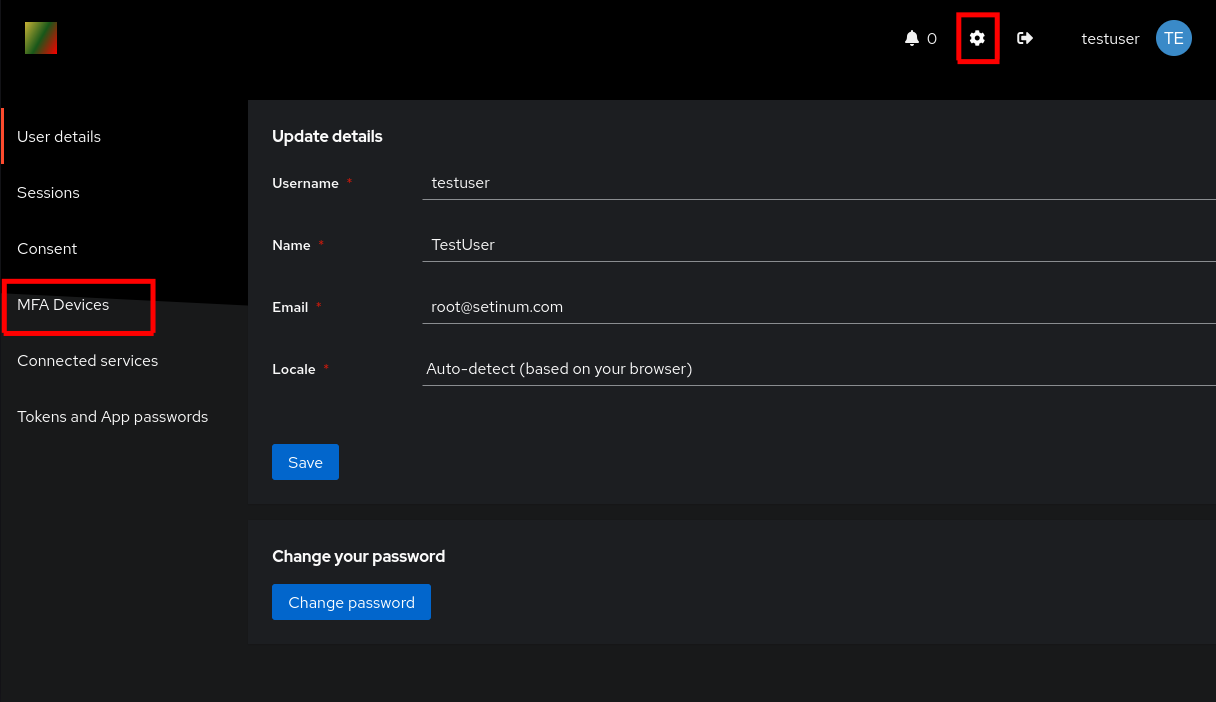
- Select Enroll and TOTP Device in the drop-down menu.

- Follow the instructions on the webpage by scanning the QR-Code in your TOTP-Client