Program Paper Size Setup
Overview
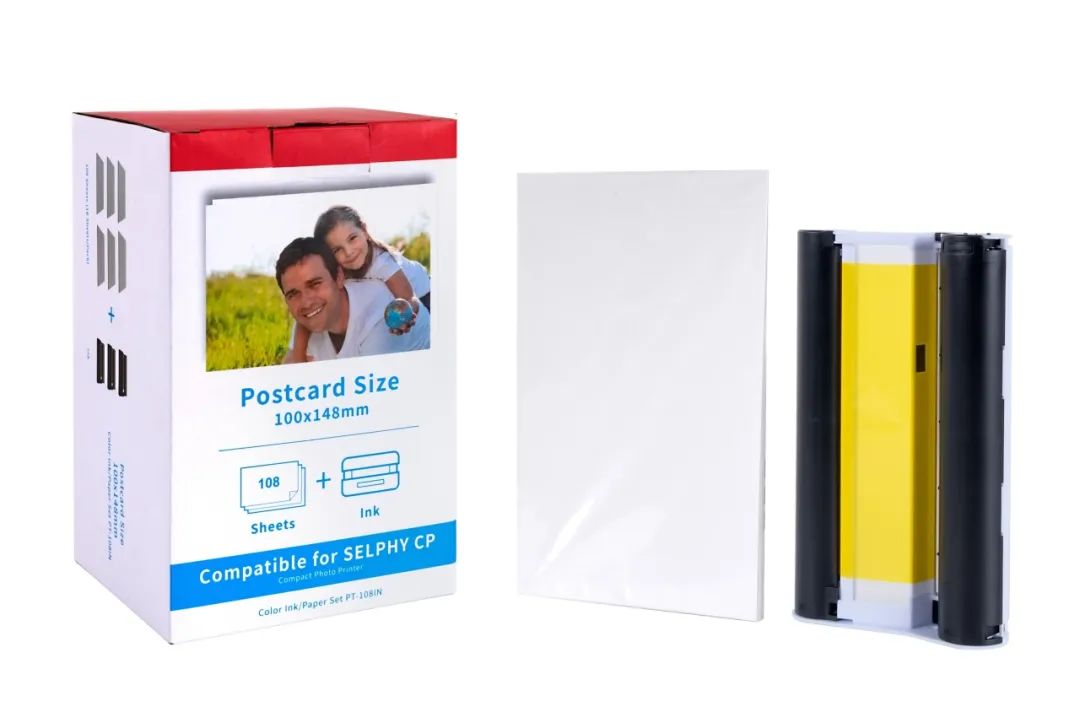
The Canon Selphy CP1300 uses a postcard-sized paper format measuring 100 x 148 mm (3.94 x 5.83 inches).
This size is standard for dye-sublimation printing and includes a perforated border that is trimmed after printing.

Setting Up Adobe Illustrator
Create a New Document:
Open Illustrator and go to File > New.
Set the following options:
Width 100mm
Height 148mm
Color Mode RGB
Raster Effects High (300ppi)
Set Bleed & Margins (Optional):
Since the Selphy trims the edges, consider adding 1 mm bleed on all sides (102 x 150 mm total).
Define margins for safe zone content (
5 mm inside the edges).
Export Settings:
Go to File > Export > Export As and select JPEG or PNG.
Set resolution to 300 ppi and ensure the Color Profile is sRGB.
Click Export.
Setting Up Inkscape
Create a New Document:
Open Inkscape and go to File > Document Properties.
Under the Custom Size section, set Width to 100 mm and Height to 148 mm.
Change Units to mm.
Close the properties window.
Enable Bleed & Guides:
Add 1 mm bleed by setting the document to 102 x 150 mm if needed.
Go to View > Guides and drag safe-zone guides (5 mm inside edges).
Export Settings:
Go to File > Export PNG Image.
Set DPI to 300 for high-quality output.
Use sRGB color profile for accurate colors.

